CaptiFi works with 9 WiFi vendor ecosystems as an external captive portal. No new hardware needed: connect the access points you already run, or use our included plug-and-play device.
The compatibility matrix
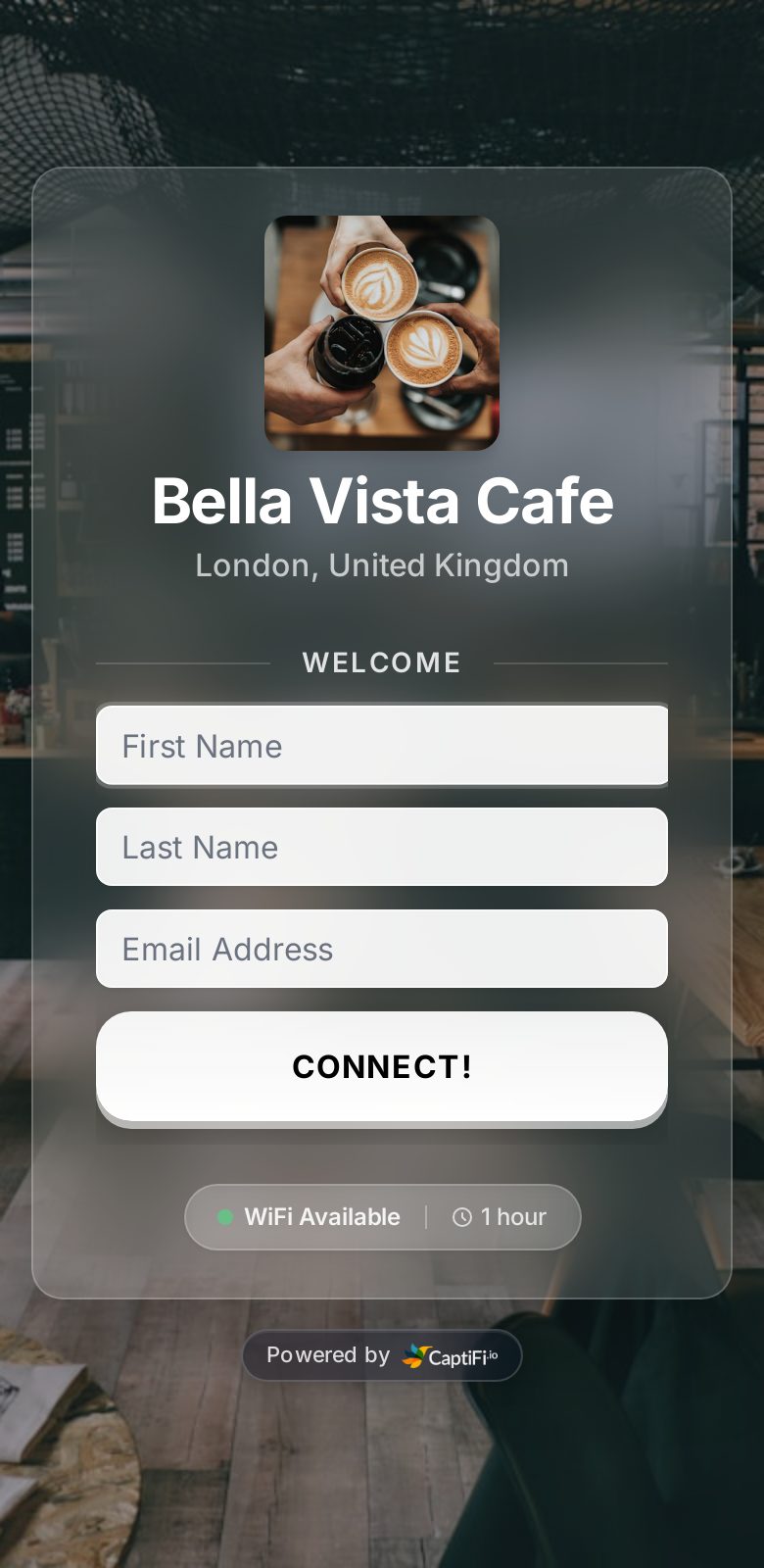
CaptiFi sits in front of your existing WiFi as the branded splash page. Your access points keep running the network; CaptiFi handles the guest email capture, GDPR consent, review automation and marketing. Here is where each supported ecosystem stands, and the setup guide to follow:
Vendor
Supported model family
Setup difficulty
Setup guide
EAP access points with an Omada Controller (OC200, OC300, software or cloud)
💡 Cambium and DrayTek do not yet have a self-serve guide on this site. They work through the same external-portal flow as every other vendor, and our support team will walk you through it. Or skip the config entirely with the device below.
No compatible kit? Use our included plug-and-play device
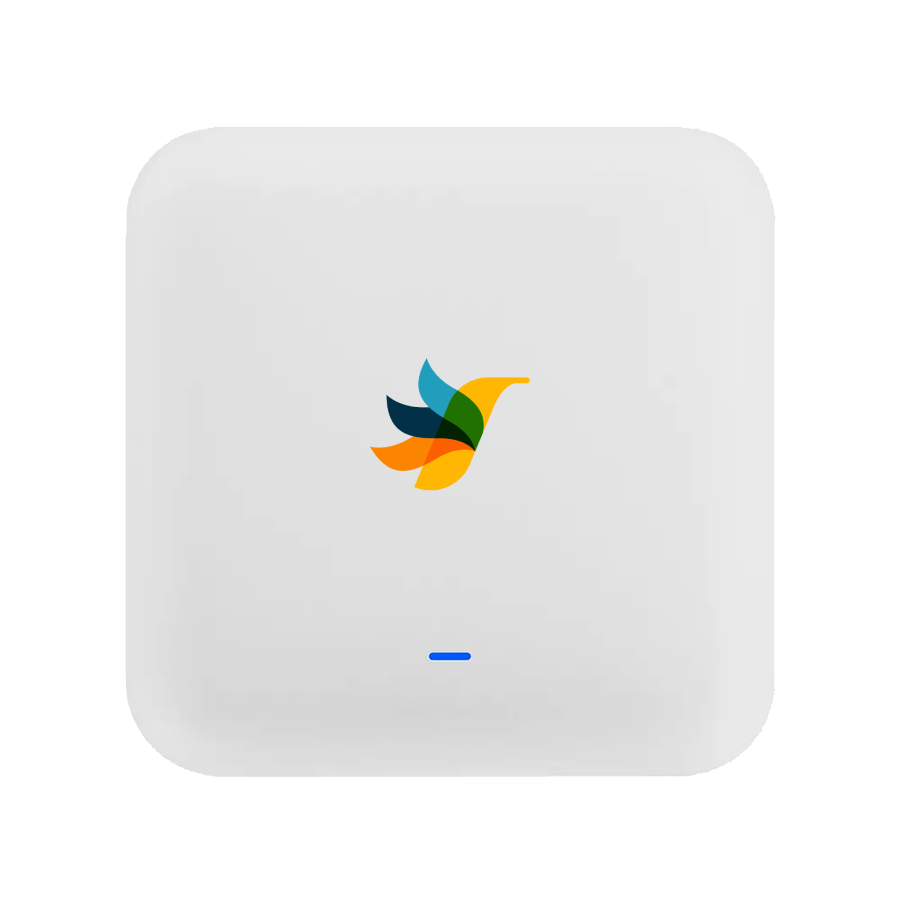
If you do not have compatible hardware, or you would simply rather not touch a controller, we post you a pre-configured CaptiFi device (included with your plan, with a refundable hold).
Plug it into your existing network by Ethernet, it pulls its config from the cloud, and a branded guest SSID appears in about two minutes. No controller, no static IP, no firewall changes. It is the zero-config path, and it runs the same marketing platform as the controller-based setups.
Enter your PIN once during setup to link the device to your account. After that it is fully automatic.
Enterprise-grade WiFi 6
Built by CaptiFi: reliable, fast, and designed specifically for busy venues.
Hardware included with a refundable hold
We place a small refundable £60 hold, released after 12 months or when the device is returned.
Remote support included
We manage and monitor your device remotely. If anything goes wrong our team can troubleshoot it without you lifting a finger.
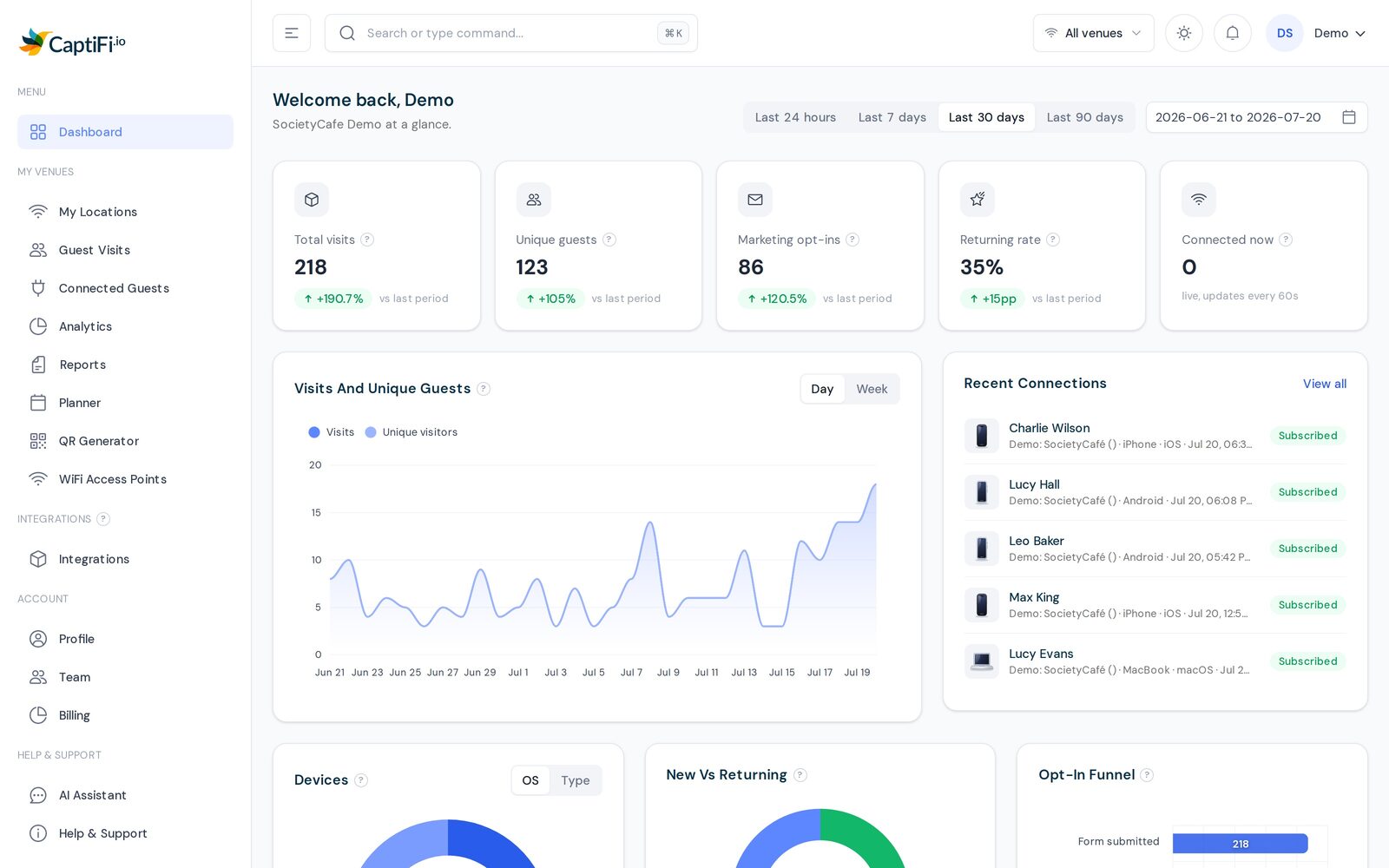
✅ Whichever path you pick, you get the same CaptiFi platform: branded splash pages, guest email capture, automated reviews and follow-ups, and a single dashboard across every venue.
The same branded splash page, whatever hardware runs your WiFiEvery vendor and venue reports into one dashboard
No. CaptiFi works with most existing access points, including TP-Link Omada, UniFi, Meraki, Aruba, MikroTik, Ruckus, Cambium and DrayTek. If you do not have compatible hardware, we send you a plug-and-play device, included with your plan.
How does CaptiFi connect to my existing access points?
CaptiFi acts as an external captive portal. You point your controller or router at the CaptiFi splash URL and add our domains to the walled garden. Your access points keep running the WiFi; CaptiFi only handles the sign-in page and the marketing that follows.
What if my vendor is not in the matrix?
Most enterprise WiFi systems support an external captive portal redirect, which is all CaptiFi needs. Contact support and we will confirm compatibility, or send you the included plug-and-play device so vendor support does not matter.
Can I mix vendors across my venues?
Yes. You can run UniFi at one site, Omada at another and our plug-and-play device at a third, all reporting into one CaptiFi dashboard. You are never locked into a single vendor.
Will adding CaptiFi slow down my WiFi?
No. CaptiFi only handles the sign-in splash page. Once a guest is through, their traffic runs straight over your existing network. Speeds are unaffected on every supported vendor.
Is guest WiFi email capture GDPR compliant on all this hardware?
Yes. The compliance lives in CaptiFi, not the hardware. We capture guest details with clear consent and keep a full audit trail, so your guest WiFi stays UK GDPR and PECR compliant regardless of which access points you run.
Turn your existing WiFi into a marketing machine
Start a free 30-day trial, or watch a live demo first.